 tico tico

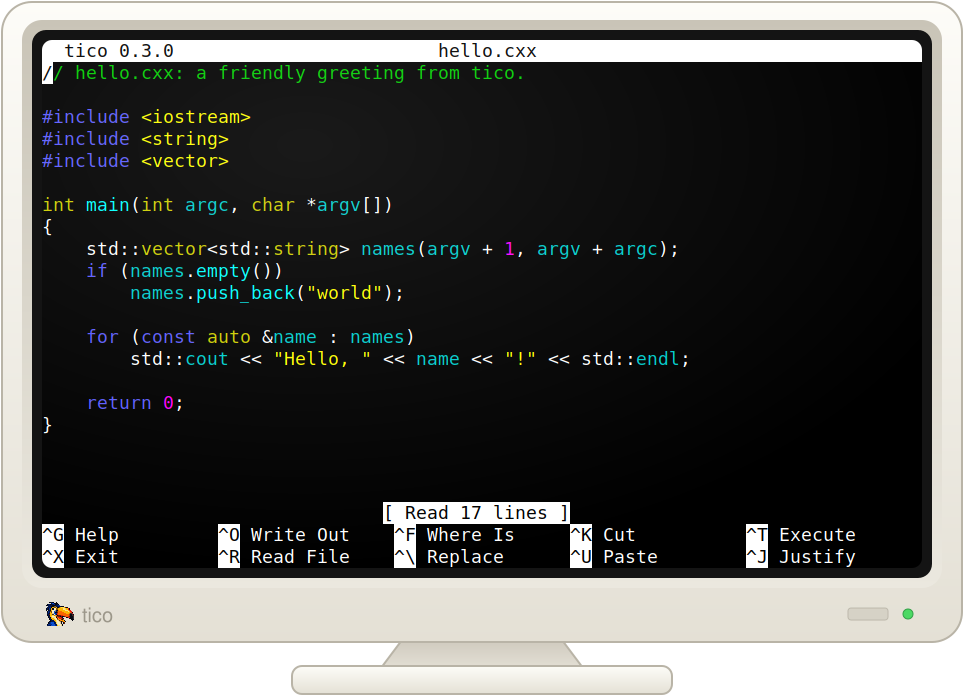
tico is a small, easy-to-use terminal text editor for people who want to edit a file and get on with what they were doing.
If you already know nano, tico should feel familiar immediately. Common commands and key bindings follow nano conventions, so your muscle memory comes with you. Tico also understands nano-style configuration, making it easy to bring an existing setup along rather than learning a new editor from scratch.
Tico includes syntax highlighting for common programming and markup languages out of the box, including Perl, C, C++, HTML, and INI.
Highlighting is syntax-aware rather than a collection of regular expressions you have to maintain yourself. That's particularly useful for dynamic languages such as Perl, where strings, quote-like operators, regular expressions, heredocs, and embedded languages can make regex-based highlighting complicated and fragile.
Tico handles that for you. Open a Perl file and it looks like Perl.
It can even recognize embedded languages---for example, SQL inside a Perl heredoc can be highlighted as SQL.
Tico isn't trying to turn text editing into a new skill to master. It's meant to provide the straightforward experience that makes nano useful, while adding the features you'd expect from a modern source-code editor.
If you know nano, you already know how to use tico.